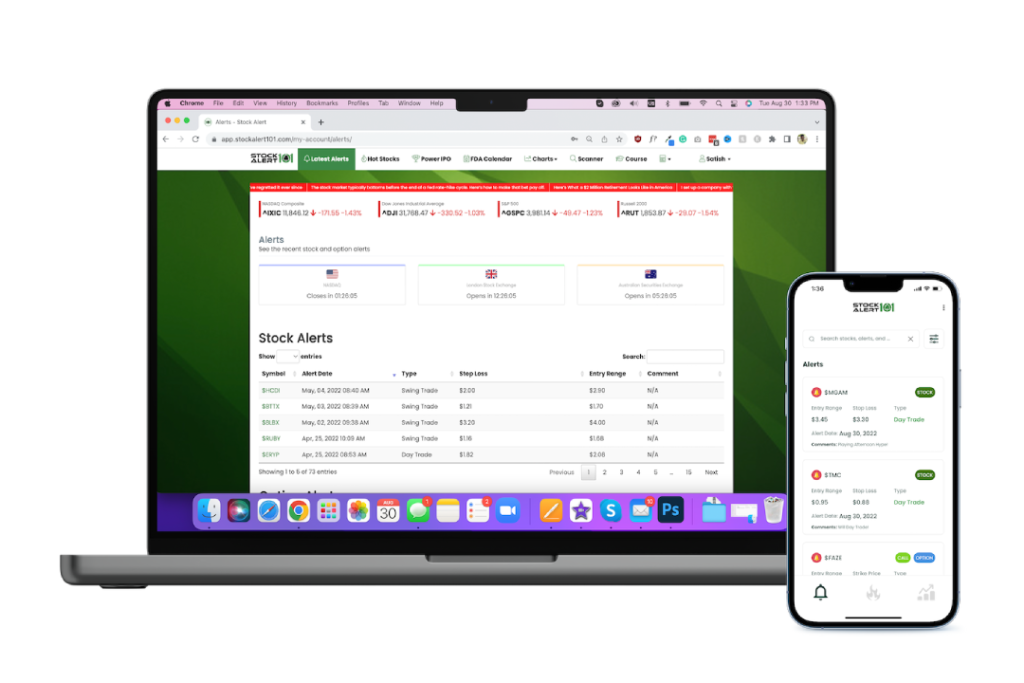
Are you more active within web browsers than in desktop applications?
From blocking numerous distractions like pop-up Ads to project handling, you can improve your web browsing experience and become more productive with the help of unique Google Chrome extensions available in the Chrome web store. We are focused on Chrome web extensions as Google Chrome is the most popular web browser in the world.
In simple language, Chrome extensions are software programs built to provide extra functionality for web browsing, and these tools are available to everyone.
There are over 100,000 Chrome extensions available out there that will help you save valuable time and make you more organized and efficient. It all depends on how you choose and utilize the extension. To help you choose the right extension for your work and your productivity enhancement, we have compiled a list of the five best Google Chrome extensions that give you an excellent browsing experience.
Let’s Get Started!
1. Grammarly
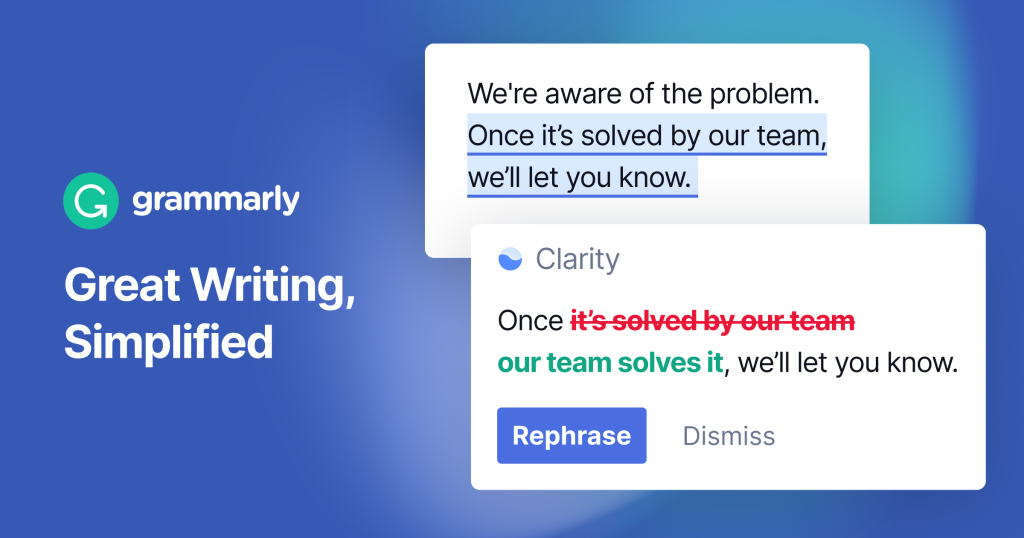
Grammarly is a powerful writing improvement tool that is available as a Chrome extension as well. You don’t have to copy all your text and paste it into the website version, as the extension will do this job within seconds.
Grammarly empowers you by guiding you everywhere on the internet by suggesting words and correcting grammar in every place where you have to write or fill out something.
With this tool, you get real-time grammar and typo corrections as you write, so if you have faced troubles in those areas in the past, this helper will now guide you through every step of the way and make you more efficient and productive. Things get more upgraded and appealing as you switch to the premium version of Grammarly, as you get tone, clarity, & word recommendations. Your writing can be the best of the best when you use this extension to produce content, write emails, or do something similar. Hence, you must give it a try and upgrade yourself.
Grammarly is incredibly valuable for marketers engaged in Email Marketing or Blogging, as it ensures that their written content is error-free and polished, which leads to better engagement and so on.
Features
- Grammar and spelling errors correction
- Clarity and readability enhancement
- Plagiarism checker
- Writing style suggestions
- Vocabulary enhancement
2. ClickUp
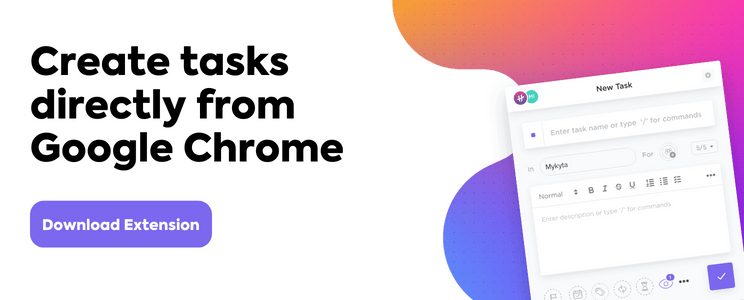
ClickUp is one of the most renowned project management software available on the internet. It is a highly recommended tool for online/offline work all over the world. No doubt, it comes with a popular Chrome extension tool to provide you with a fruitful Chrome experience.
With these extensions installed on your browser, you can easily create tasks, track work time, take screenshots, and integrate Gmail and Outlook emails with your tasks.
The most basic functionality of the extension would help you get most of your work done more effectively by creating tasks, tracking time, and so on. Dedicated to your productivity, it offers a wide range of features that an extension can provide, which are listed below:
Features
- Creating multiple tasks
- Time tracking and note-taking
- Attach emails to task
- Take screenshots
- Website bookmark
3. Google Keep
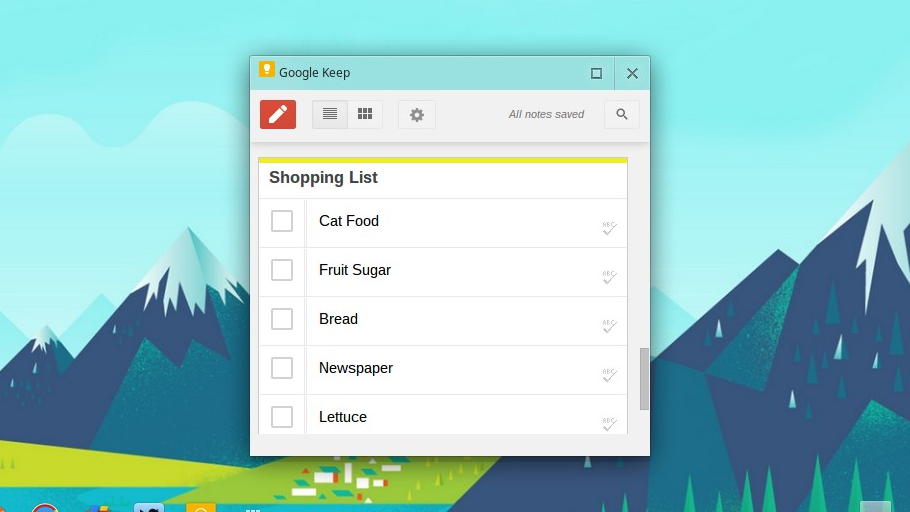
Google Keep is one of the finest Chrome extensions for managing all of your data and keeping it organized and clean. Its main function is to help users take important notes or create to-do lists; moreover, you can also save images, pages, and more and add notes to those saved items.
This extension allows you to create notes and lists and, secondarily, record what’s on your mind quickly. Though it seems like a basic app, it has managed to help you become more productive and organized. Moreover, it allows you to keep a large number of notes and shift between numerous tasks with its color-coding system.
It is completely free; you just need a Google account to get started after adding this extension to your Chrome browser.
Features
- Quick note taking
- Proper note organization with color codes
- Setting reminders
- Integration with Google Drive and Calendar.
4. Adblock

AdBlock is a very useful Chrome extension that secures your internet experience free from distractions by simply blocking different types of ads and pop-ups and helping you stay focused on your work.
If your daily tasks require you to perform some online research by reading journals, blogs, or YouTube videos, you know how frustrating it can be when a bunch of ads continue to show up and distract you. That’s where AdBlock comes to the rescue.
AdBlock also keeps you safe by blocking out malware and malicious pages, which ensures your safety on the internet. All you need to do is simply turn your Adblock on or off by clicking on the Adblock icon in the top right corner.
Features
- Blocks YouTube ads, follow-along video ads, display ads, and banner ads.
- Customizable themes for extension
- Protect you from malware
- Dark mode option
5. SimilarWeb
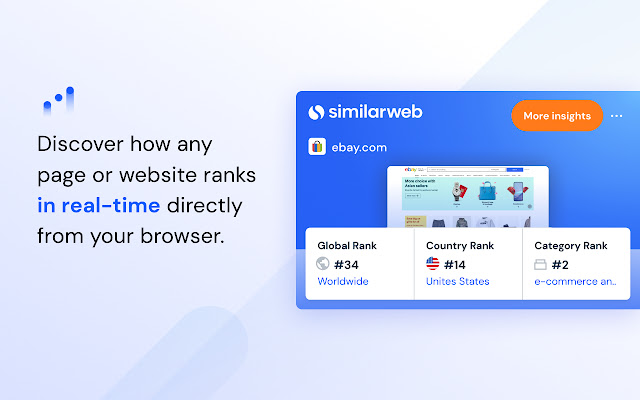
SimilarWeb extension is a powerful SEO tool that calculates the overall amount of traffic received by various websites. It helps you examine your competitors’ top traffic sources and plan accordingly.
Anyone doing SEO or content marketing finds it very impactful. It guides you to take a quick approach to figuring out how the top creators in your niche are performing and their insights. You may also use SimilarWeb to find out about your competitors or the industry’s most important referral sources. You can gain access to several additional services like device distribution, audience information, and traffic sharing when you upgrade to its pro version.
To begin, you need to just make one click on the extension icon after hovering over the destination website to access important insights about that particular site.
Features
- Traffic and engagement on a site
- Website visits by geographical location
- Global and category ranking
- Average visit duration and bounce rate
Conclusion
These five Chrome web extensions are recognized as true productivity powerhouses. They seamlessly integrate into your browsing experience, making you more efficient and focused. With features like advanced time management and seamless organization, these powerful tools completely redefine how we navigate the online realm. As you embark on your productivity journey, remember to fully utilize the potential of these extensions. They streamline tasks, helping you effortlessly reclaim your precious time. As a result, you’ll witness an exciting new era of productivity unfold before your eyes. So, embrace the boundless possibilities of the future, benefiting from these tools.
Good Luck!